
Command and Conquer Generals on Android: Generals and Zero Hour on Your Phone
Command and Conquer Generals on Android works without a PC and without streaming. ZeroFront runs the original Command & Conquer: Generals and Zero Hour on your phone: the same 2003 engine, built for Android. You add your own game files, pick a mode and play against the AI, with friends over Wi-Fi or online. The first 24 hours are free.
What ZeroFront is, and why it isn't the "Generals" you find in stores
Search Google Play for "command and conquer generals mobile" and you'll get apps like "Generals: Art of War" or "Command Generals RTS". Those are different games with their own art and units. They have nothing to do with the EA strategy game; more on them in how Art of War differs from Generals.
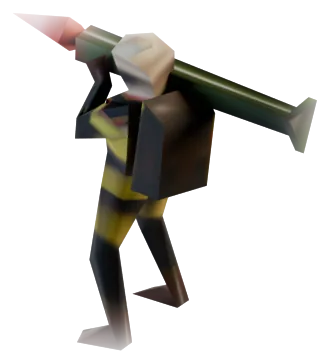
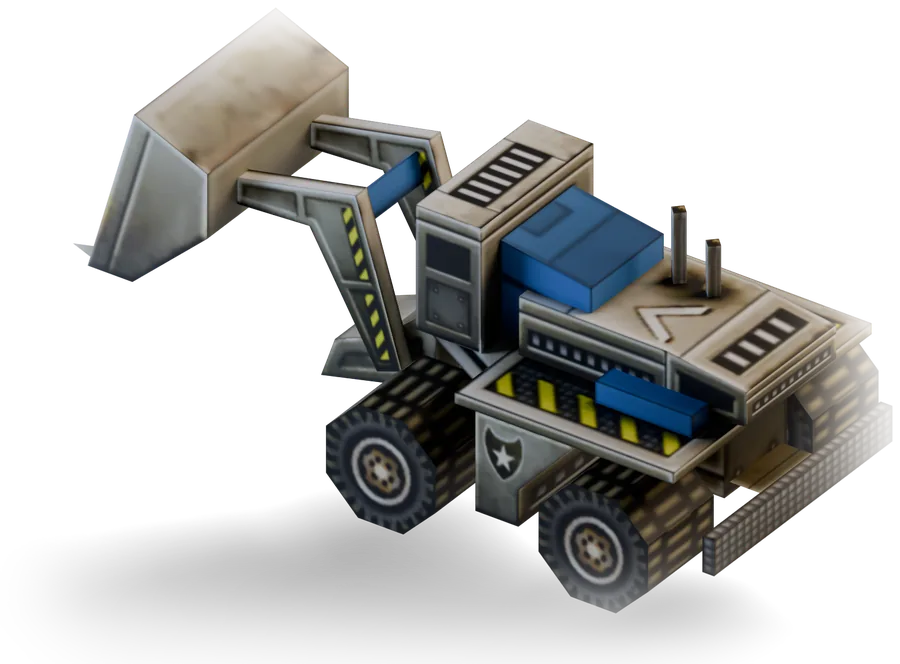
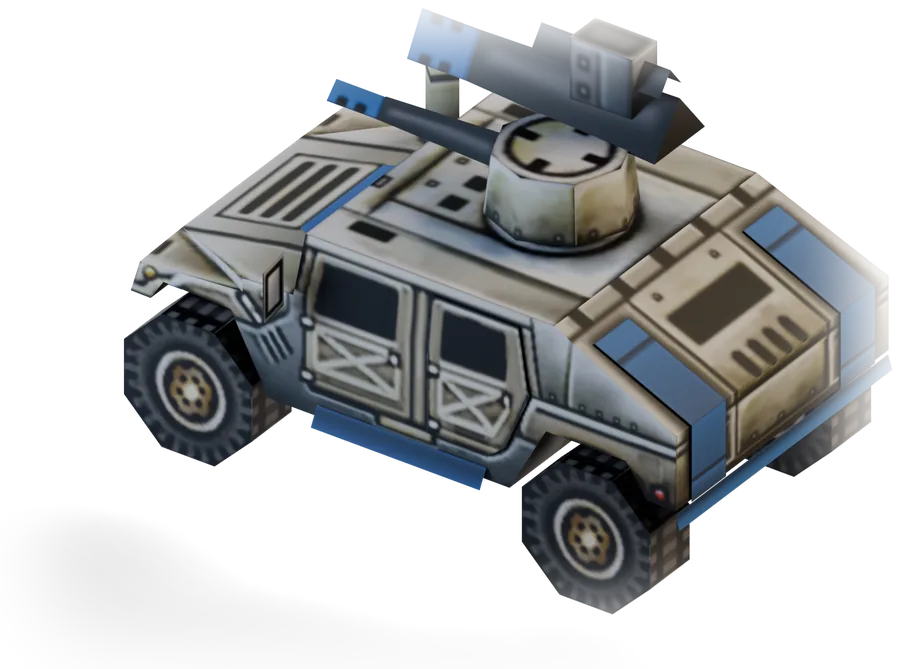
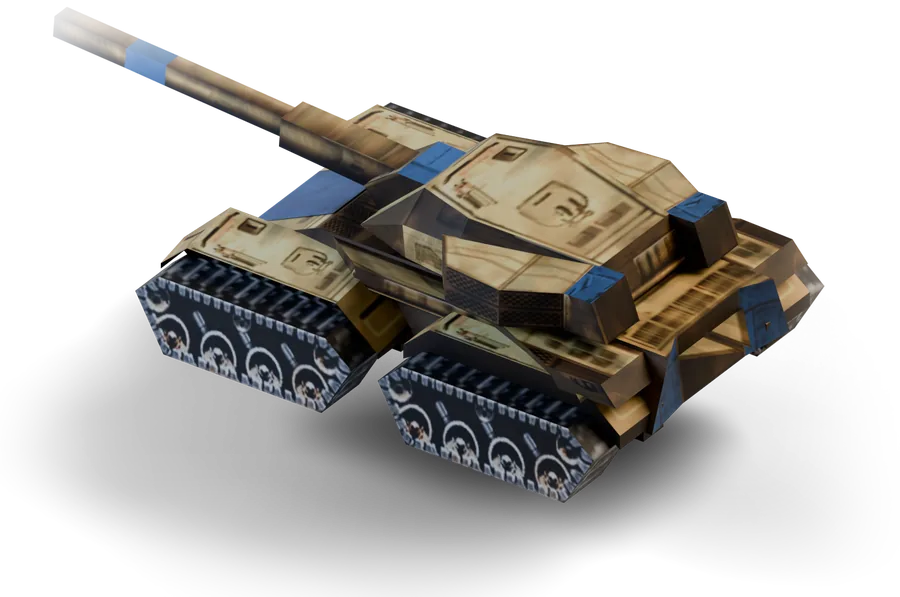
ZeroFront launches the actual Zero Hour from 2003. Same USA, China and GLA, same maps, same Overlords and SCUD Launchers. Maps, skirmish and campaigns come from your own game files, so everything looks and plays the way it did on your PC.
The app works as a hub. You set up the game, graphics, language and network profile there, and Generals itself starts from the hub.
How it works
An engine port, not an emulator
In 2025 EA released the source code of Generals and Zero Hour under the GPL v3 license. The community built an Android version from it: the open-source GeneralsZH-Android-Port. ZeroFront is based on that port, with a modified build for our hub.
The difference from an emulator is simple. An emulator pretends to be Windows and runs the .exe through itself, which is where the lag and crashes come from. Here the game is compiled for the phone's processor directly, with no Windows layer in between.
The game files are yours
The site and the bot don't hand out game files. You need two folders from your PC:
- the original Generals folder (the one with Terrain.big, Textures.big, W3D.big and the other archives);
- the Zero Hour folder, or a mod folder.
You can buy the game legally on Steam (as part of Command & Conquer: The Ultimate Collection) or in the EA App. In those versions the base Generals files usually sit inside the Zero Hour folder, in a subfolder called ZH_Generals. Which folders to copy and where to find them is covered on the game files page.
Inside the hub
The hub has five tabs: HQ, Graphics, Language, Service and Info. Most of the work happens in HQ, where you start the game and pick your folders.
HQ also has a readiness checklist. It shows what's still missing before launch: file access, one of the folders, or a key. If anything on it is still open, don't start the game yet. That's a faster way to find a problem than guessing from a black screen or pink ground.
This is also where you set your callsign, the name other players see in LAN and online lobbies. Pick it before your first match.
What runs
| Game or mod | Status |
|---|---|
| Command & Conquer: Generals | runs |
| Generals Zero Hour | runs, details on the Zero Hour for Android page |
| Contra 009 Final (Patch 3) | tested, works |
| Contra 007 (with patches) | tested, works |
| Other mods | on request: send the mod name to the bot and we'll check it |
The modes are the same as on PC: campaigns for all three sides, skirmish against the AI on any map from your files, and multiplayer. Zero Hour adds Generals Challenge, where you fight the enemy generals one after another.
On the phone, Zero Hour pulls its terrain textures from the original Generals folder. That's why you point the app at both folders, even if you only play the expansion. To set up the most popular mod, read Contra 009 on your phone.
Multiplayer: LAN and online
We tested LAN between phones: the lobby shows up, players join, the match runs. The requirements:
- all phones on the same Wi-Fi network and the same subnet (addresses like 192.168.x.x);
- VPN off;
- mobile data off.
A hotspot that hands out addresses from different subnets won't work.
For internet play the hub has a sign-in for a Generals Online network profile (playgenerals.online), a community service with lobbies and matches. Your callsign is set in the hub, up to 11 characters. Both modes are covered on the multiplayer page.
Touch controls
You don't need a mouse or keyboard. The main gestures:
- tap a unit to select it, double-tap to select every unit of that type on screen;
- press and drag to draw a selection box;
- tap the map with units selected to give an order;
- long-press (about 0.6 s) or tap with two fingers to deselect or cancel a build;
- one finger moves the camera, two fingers pan and zoom.
On the left there's a control group panel from 0 to 9, like the number-key hotkeys on PC. The Back button opens the pause menu. The full list of gestures is on the controls page.
How to start
- Open the bot @generals_mobile_bot and download the APK.
- Allow the install. Play Protect may warn you; tap "Install anyway".
- Open the app and start the free trial, or enter a key in the ZF-XXXX-XXXX-XXXX format.
- Go to game setup and grant "All files access".
- Set the "Original Generals folder" and the game folder (Zero Hour or a mod).
- When the status turns green, tap "Start game".
Every step, plus the usual mistakes, is in the install guide.
Trial and subscription
The app itself is free; playing requires a subscription. You get 24 hours of trial once per device. Use it to see how the game runs on your particular phone, since we don't publish hardware requirements.
After the trial, a subscription covers 30 or 90 days. One subscription works on one device, and you renew it in the bot. The current price and payment methods are listed in the bot, and subscribers also get access to a private player chat. Full terms: subscription and trial.
FAQ
Is this the same game as on PC?
Yes. It runs the original Generals and Zero Hour engine with your files. Maps, units and balance match the 2003 release.
Where do I download Generals for Android?
The ZeroFront app (APK) is available in the Telegram bot @generals_mobile_bot. The game files come from your own computer. We don't distribute them, and you can buy Generals on Steam or in the EA App.
Is this Generals: Art of War from Google Play?
No. Art of War and Command Generals RTS were made by other studios. ZeroFront runs Zero Hour, released by EA Los Angeles in 2003.
Will it run on my phone?
There's no fixed list of requirements, so test it yourself: the 24-hour trial costs nothing. If something goes wrong, contact support in the bot.
Why is the ground pink?
The original Generals folder isn't set. Zero Hour takes its terrain textures from it. Open Settings, then Game data, then "Original Generals folder…" and pick it.
Do I need a computer?
Only once, to copy the game folders to your phone by cable or through cloud storage. After that the PC stays off: the game runs on the phone itself, with no streaming or remote desktop.
Download the APK in @generals_mobile_bot and play free for 24 hours.
ZeroFront is an unofficial project and is not affiliated with Electronic Arts.