Contra 009 on Android runs through ZeroFront: we tested 009 Final with Patch 3 on a phone. In the app you set the mod folder as your game folder and the original Generals folder separately. The mod is free, and you get it from its official pages. Below: what it adds, where to download it, and how to set it up without errors.
What Contra 009 Final is
Contra is one of the oldest mods for Zero Hour. It's made by the Contra Mod Team, led by Andrey Pestryakov (known as Creator). Version 009 Final came out on December 31, 2018, followed by three patches. It installs on top of a clean Zero Hour 1.04.
What the mod adds
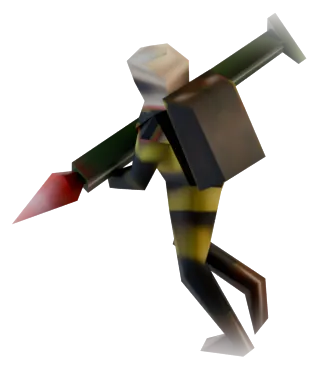
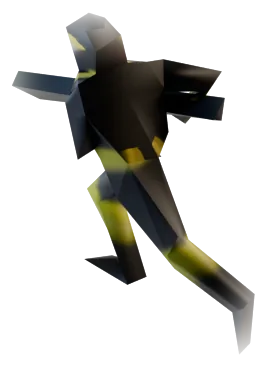
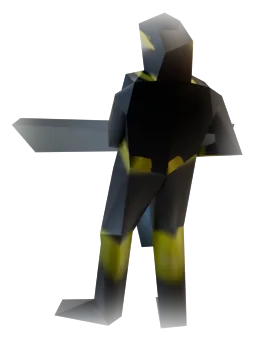
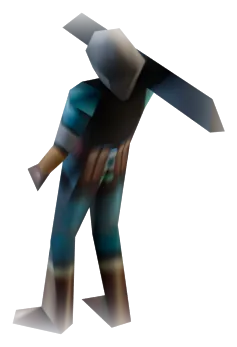
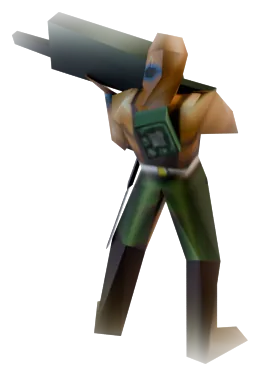
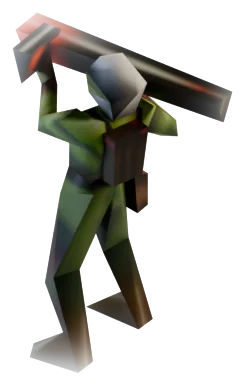
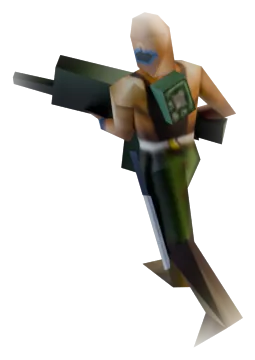
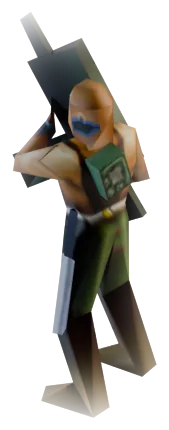
- Three new generals: a cyborg general for the USA, a flame general for China and an assault general for the GLA.
- A rank system. As you rank up you unlock new buildings and units, on top of general powers.
- A rank-five superunit for every general. It's big, expensive and limited to one per player.
- Lots of new units, upgrades and general powers.
- Reworked graphics and sound, new maps and fixes for bugs from the original.
- A tougher AI and unit voices in their native languages (optional).
The cyborg general fights with cyborgs instead of regular infantry and has spider tanks that can climb cliffs. The flame general builds everything around fire and fuel. The GLA assault general is balanced and forgiving, which makes him a good first pick.
How it changes the game
Matches usually run longer than in vanilla Zero Hour. Ranks unlock tech gradually, so a rush with one unit type in the first minutes works less well. The AI is buffed, so for your first games on a phone, drop the difficulty and get used to the gestures first.
Patches
After Final, the team released Patch 1, Patch 2 and Patch 3, plus hotfixes for the third one. ZeroFront was tested with Final + Patch 3. The mod's ModDB page has a "Contra 009 FINAL + All Patches" package that bundles everything.
Where to download the mod
The authors distribute Contra themselves, so get it from the source:
- ModDB: moddb.com/mods/contra, Downloads section, file "Contra 009 FINAL + All Patches";
- the official mod site: contra.cncguild.net.
We don't recommend third-party "Zero Hour + Contra in one archive" repacks. They often have a changed folder structure, which is harder to sort out on a phone. You also still need your own copy of Zero Hour for the mod, which is sold on Steam and in the EA App.
How to set up the mod in ZeroFront
Preparing the folder on PC
- Make a copy of your Zero Hour 1.04 folder so the mod doesn't mix with the clean game.
- Install 009 Final and all patches into that copy, following the authors' instructions.
- Run the mod launcher on PC, pick your language and voices, and hit Play. The launcher enables the mod's archives, after which the folder is ready to move.
- Copy the mod folder to your phone. Put the original Generals folder next to it if it isn't there yet.
The launcher and ContraVPN are Windows-only. They don't run on the phone and you don't need them there: multiplayer in ZeroFront uses its own networking.
Setup on the phone
- Open ZeroFront and go to game setup.
- In "Original Generals folder…", pick the base Generals folder.
- With "Set game folder", pick the mod folder.
- Wait for the green status and tap "Start game".
If the app isn't installed yet, start with the install guide. For vanilla Zero Hour without mods the steps are the same; see Zero Hour on Android.
If something goes wrong
| What you see | Cause | Fix |
|---|---|---|
| Pink or magenta ground | the original Generals folder isn't set | Settings, Game data, "Original Generals folder…" |
| Plain Zero Hour starts instead of the mod | the game folder points to the clean game, or the mod archives aren't enabled | pick the mod folder; on PC, run the mod launcher once and hit Play |
| Broken buttons, overlapping panels | conflict with GenPatcher add-ons in the folder | remove the GenPatcher add-ons from the mod folder and try again |
| The app can't see the folder | no "All files access" | grant the permission in game setup |
A note on add-ons. GenPatcher on PC often drops its own archives into the game folder: an HD control bar, hotkey layouts, translations. Contra usually works fine with them; on our test phone they sat in the folder and caused no trouble. If the interface still glitches, remove them first. What these add-ons are is explained in the GenPatcher guide.
Other versions and mods
The old Contra 007 also works in ZeroFront and is set up the same way. The new Contra X branch hasn't been tested yet; we add it on request. Other mods and their phone status are listed under Generals mods. If the mod you want isn't there, send its name to the bot.
FAQ
Does Contra 009 work on Android?
Yes. We tested 009 Final with Patch 3 in ZeroFront: the mod starts and the new generals and units are all there. You need two folders: the mod and the original Generals.
Where do I download Contra 009 Final?
From the mod's ModDB page or the official site, contra.cncguild.net. The mod is free. You need your own Zero Hour for it, from Steam or the EA App.
Do I need the mod launcher on the phone?
No. On PC it enables the mod archives once, then you can copy the ready folder. On the phone ZeroFront launches the game.
Can I play Contra multiplayer between phones?
We tested LAN between phones on vanilla Zero Hour; we haven't tested it with the mod yet. The requirements are the same: one Wi-Fi network, one subnet, VPN off, and the same mod version for everyone.
Why is the Contra interface broken?
Most often it's GenPatcher add-ons in the mod folder. Remove them and restart the game. If that doesn't help, contact support in the bot.
Get ZeroFront from @generals_mobile_bot and try Contra on your own phone during the 24-hour trial.